🎙️
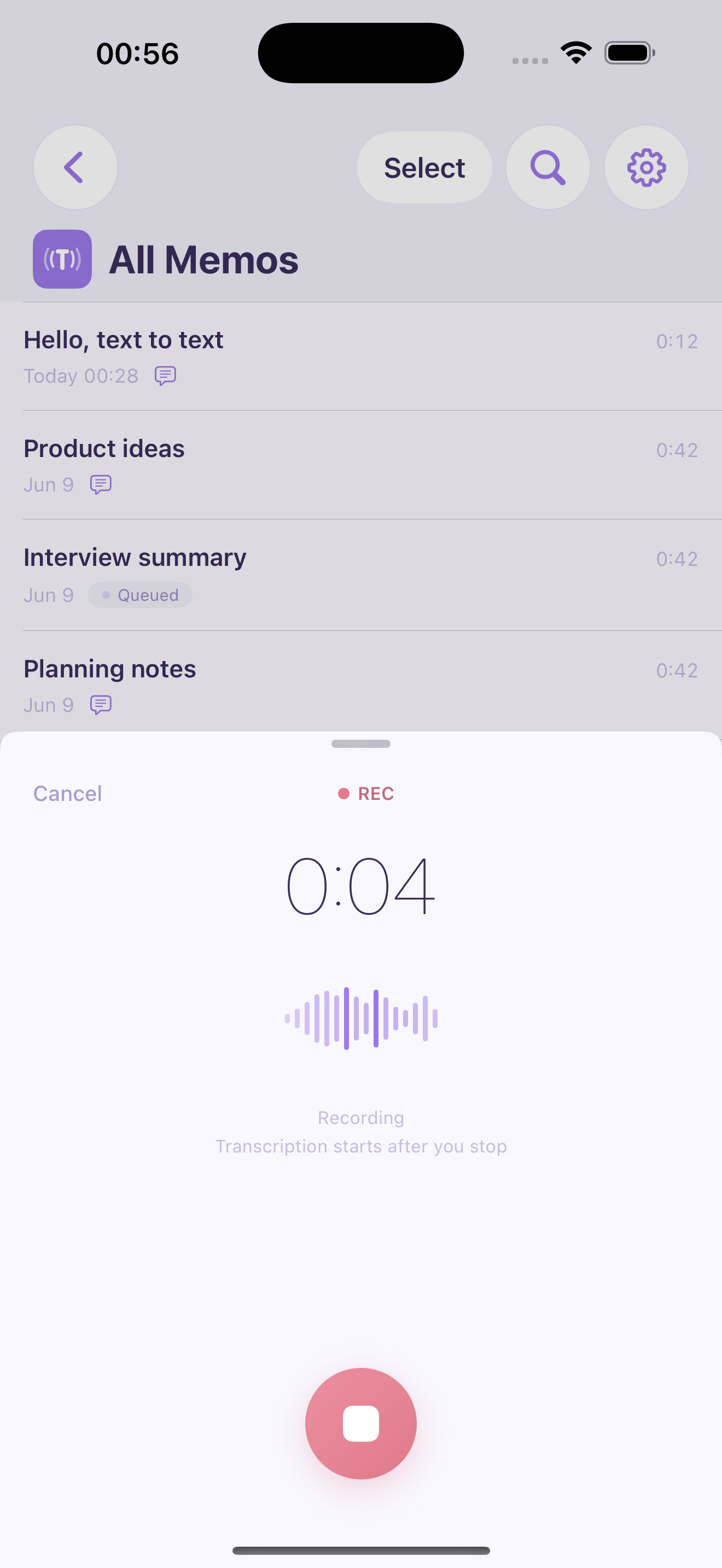
Record. See it as text.
Capture a thought, a conversation, or a meeting. Stop recording and get a transcript on your iPhone, or use live dictation to see words appear as you speak. Edit, copy, and share your notes.
🔒
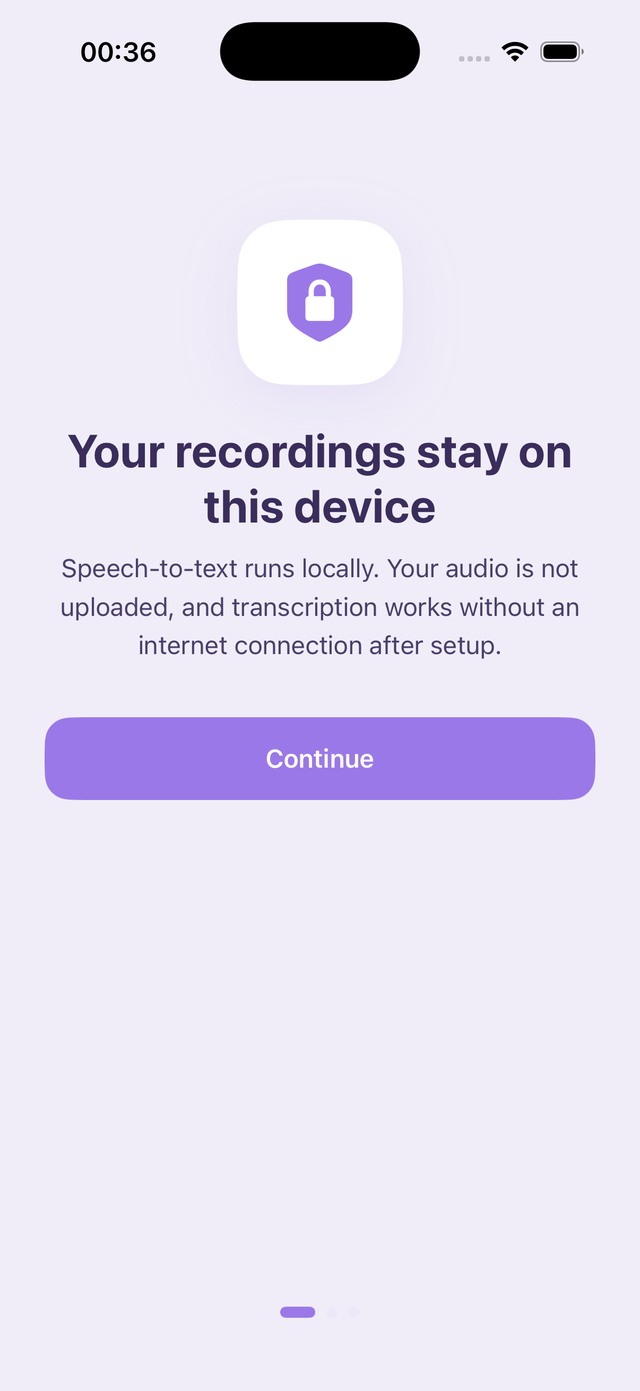
Private, on your device
Recording, transcription, and AI tools run on your device. No account or cloud processing. Download the required models once, then work offline. You choose when to export or share.
🪄
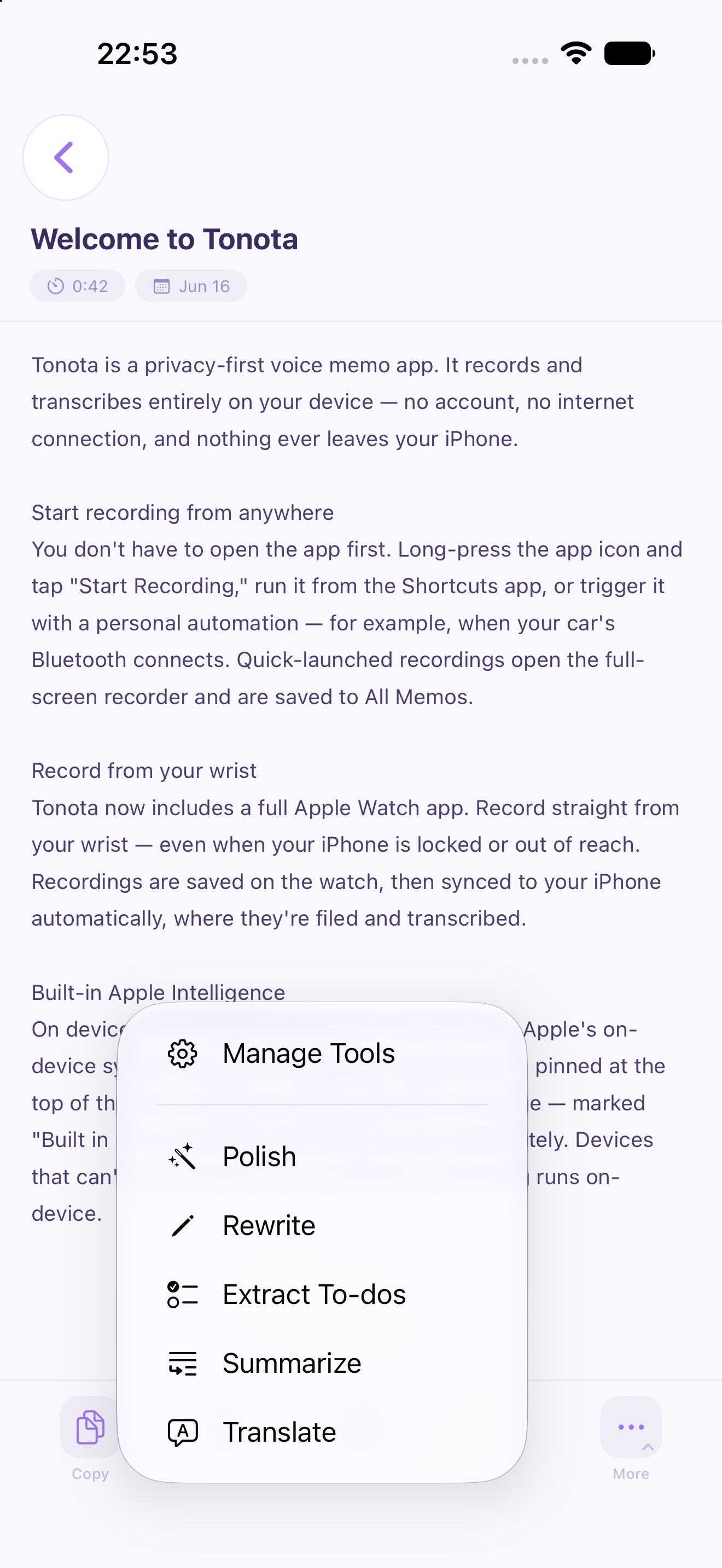
Summarize, translate & polishv1.8
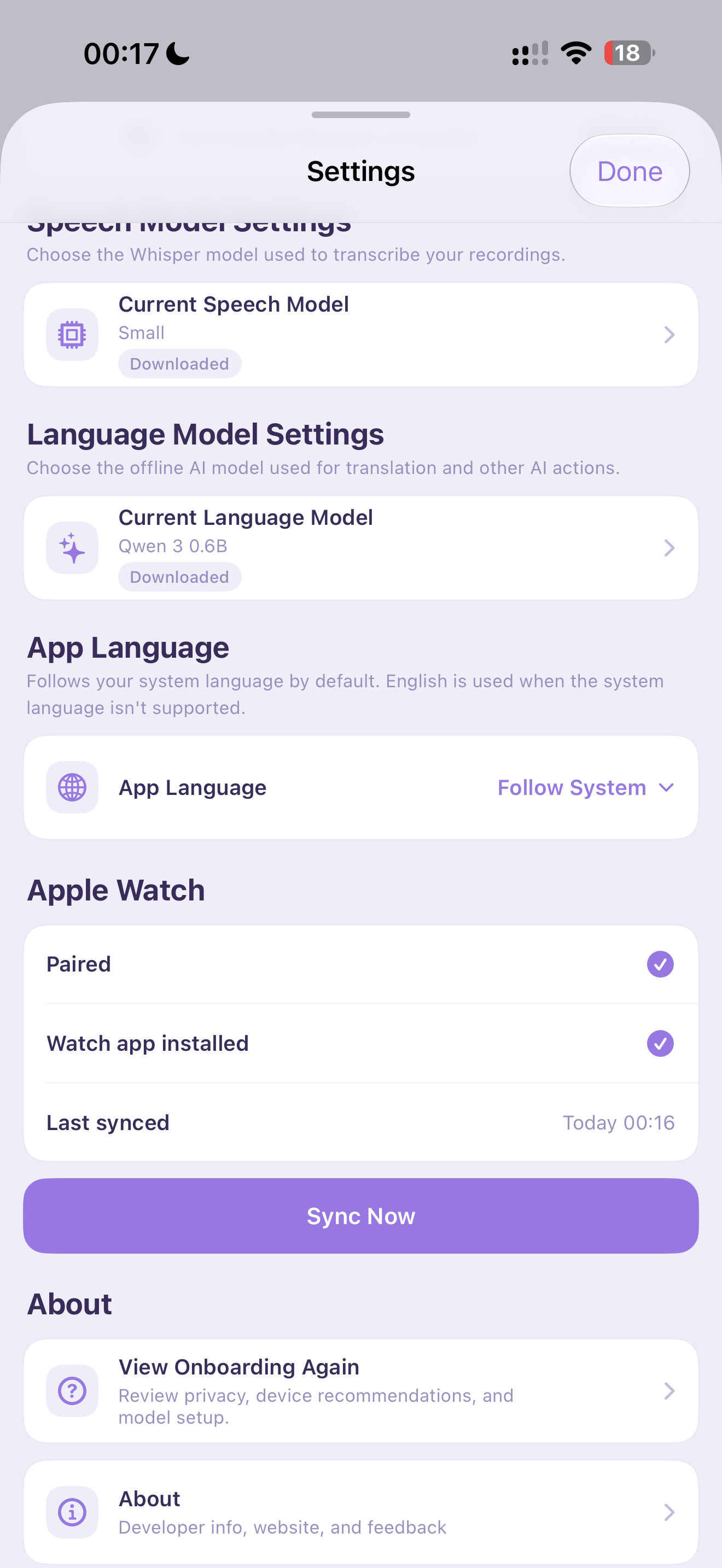
Turn a transcript into a summary, action points, a translation, or clearer writing. Use built-in tools or create up to five of your own. Choose a local language model, including Apple’s system model on supported devices.
▶️
Tap a line to play from therev1.9
Place the cursor on a sentence and press play to hear that part of your recording. Follow the highlighted text as it plays, and keep the freedom to select, copy, and edit. Suggested by Nicky Xu.
⌚
Apple Watch — up to 2 hoursv1.9
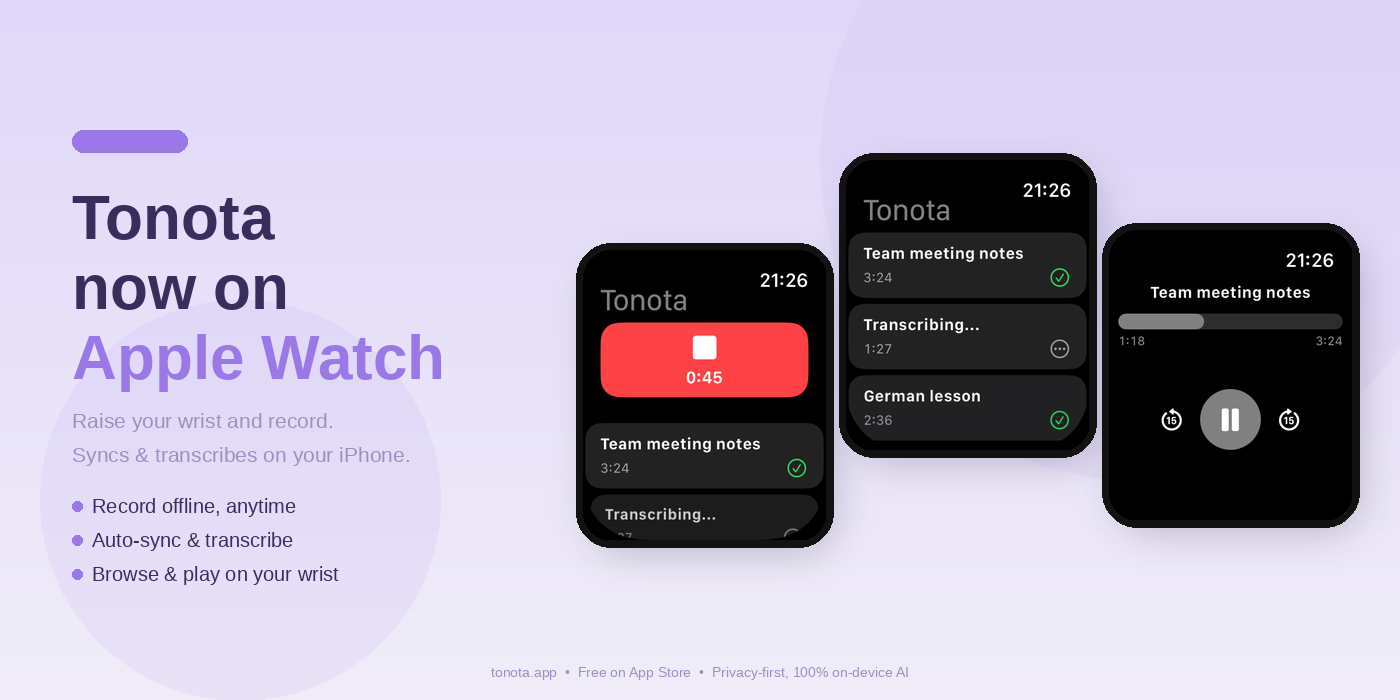
Record from your wrist, even when your iPhone is away. Capture up to two hours with the screen off, then sync to iPhone for transcription. Browse recent recordings and play audio on your watch.
📝
Keep your transcription progressv1.10
Long recordings are saved and shown section by section, so you can read before the whole transcript finishes. After an interruption, continue from the last saved position when a saved checkpoint is available.
✨
Let your tools follow upv1.10
Choose up to three tools to run automatically on completed transcripts under 1,500 characters. Drag to set the order; each works from your original text and appends its result. Requires an available local language model.
⚡️
Start recording quicklyv1.6
Capture an idea with Siri or Shortcuts, a long press on the app icon, or the Tonota control on your Lock Screen or in Control Center (iOS 18+).
🗂️
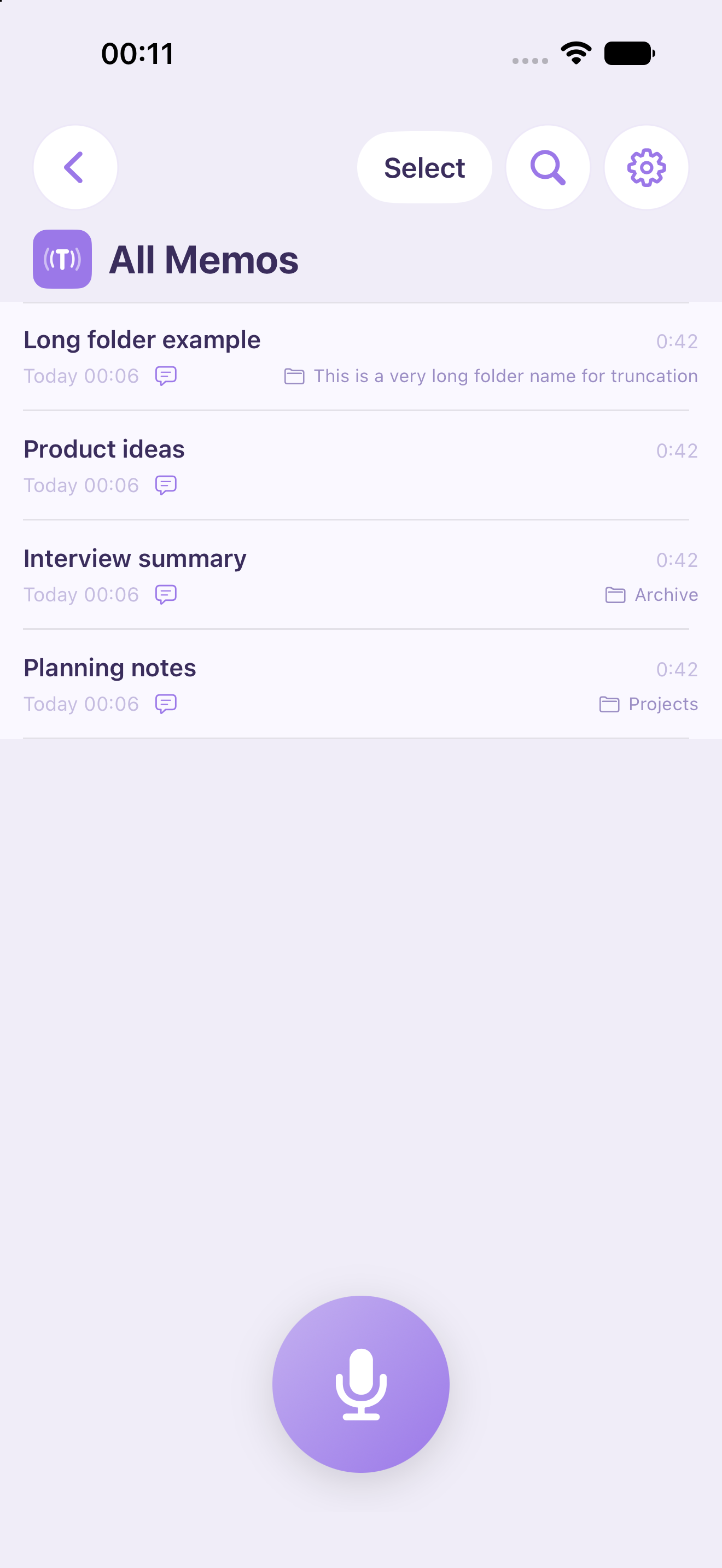
Find, organize & sharev1.6
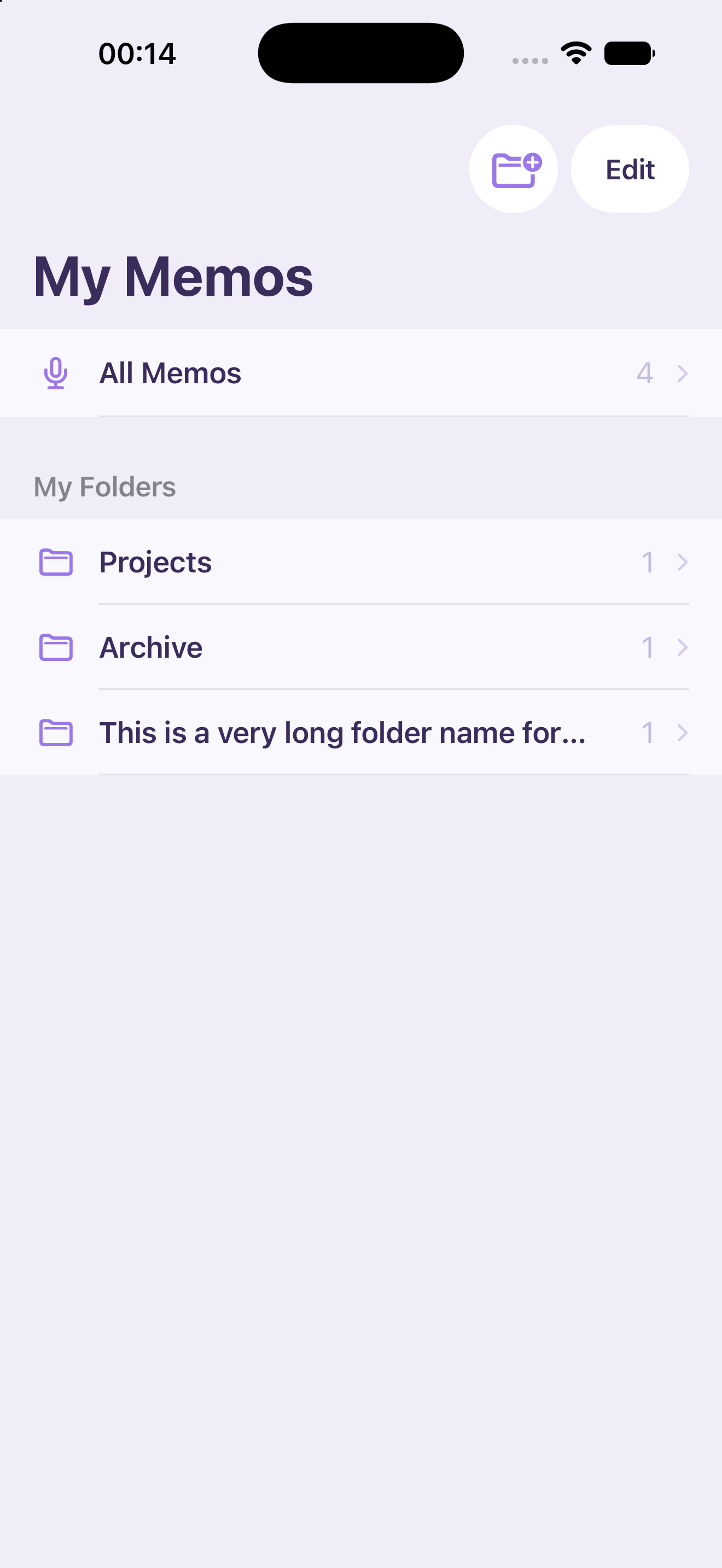
Keep recordings in folders and search titles and transcripts. Select multiple memos to move or delete, and export text with original audio to a folder you choose.
Appending AI results removes sentence-playback timestamps for that memo; ordinary audio playback remains available.

 Scan to open